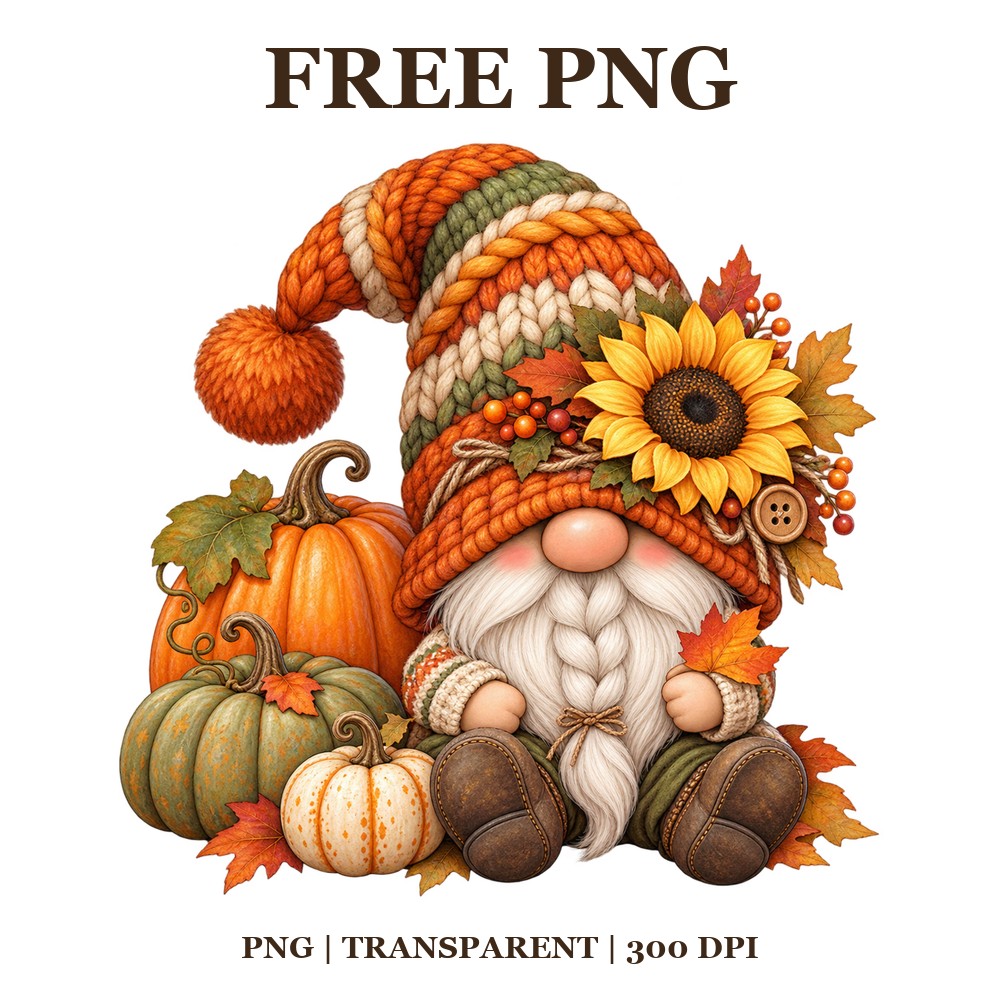

Autumn Gnome With Pumpkins Free PNG – Fall Gnome Clipart Design
Autumn Gnome With Pumpkins Free PNG – Fall Gnome Clipart Design
Download our cheerful Autumn Gnome With Pumpkins design - a striped-hat gnome sitting among pumpkins and bright sunflowers. Keywords: pumpkin png, autumn png free, fall clipart png, cute pumpkin clipart, transparent background png, sublimation png, printable png, autumn gnome png. Formats: PNG. Project Ideas: t-shirts, mugs, tumblers. Compatible With: Cricut, Silhouette Cameo, Canva, Procreate.
Format:
- PNG file with a transparent background, ready to drop straight onto any project.
- 300 DPI and 3600 px on the longest edge, so it stays sharp on shirts, mugs, tumblers and wall prints.
We have some awesome designs available for you to use. Please note that these files are for personal use only and cannot be sold.
With our PNG clipart, you can create wonderful projects and handmade products such as t-shirts, mugs, tumblers, tote bags, wall art, autumn decor, and much more. Be sure to check out our collection of free designs today!
How To Use:
Your download is a single .png file, so there is nothing to unzip. Save it to your device and import it straight into Cricut Design Space, Silhouette Studio, Canva, Procreate, Photoshop or your printer software.
Because the background is already transparent, you can layer the design over any colour without cutting anything out. For sublimation, mirror the image before printing; for printable vinyl, use your machine's print-then-cut setting.
If the design looks soft on screen that is only your preview scaling it down. The file itself is 300 DPI, so it prints crisp at full size.
We would love to hear your thoughts and feedback, so don't forget to leave a review below! Enjoy working with our designs!